Local Library
Scan songs, albums, artists, and folders stored on your Android phone.
 Thrill
Download
Thrill
Download
Offline Android Music Player
Your local music library, playlists, folders, favorites, background playback, equalizer controls, and cinematic playback in one private Android player.
NOW PLAYING
Cinematic feel
Library
Private by design
Thrill scans local audio on your Android device and keeps your library on your phone. It is made for offline listening, quick song access, playlist building, folder browsing, favorites, and playback controls without an account, cloud library, or server.
Product
Scan songs, albums, artists, and folders stored on your Android phone.
Create playlists, save favorites, and play songs exactly when you tap them.
Shape playback with presets, bass boost, virtualizer, and 5-band controls.
Shows song images when available and a polished music visual when they are not.
App Preview
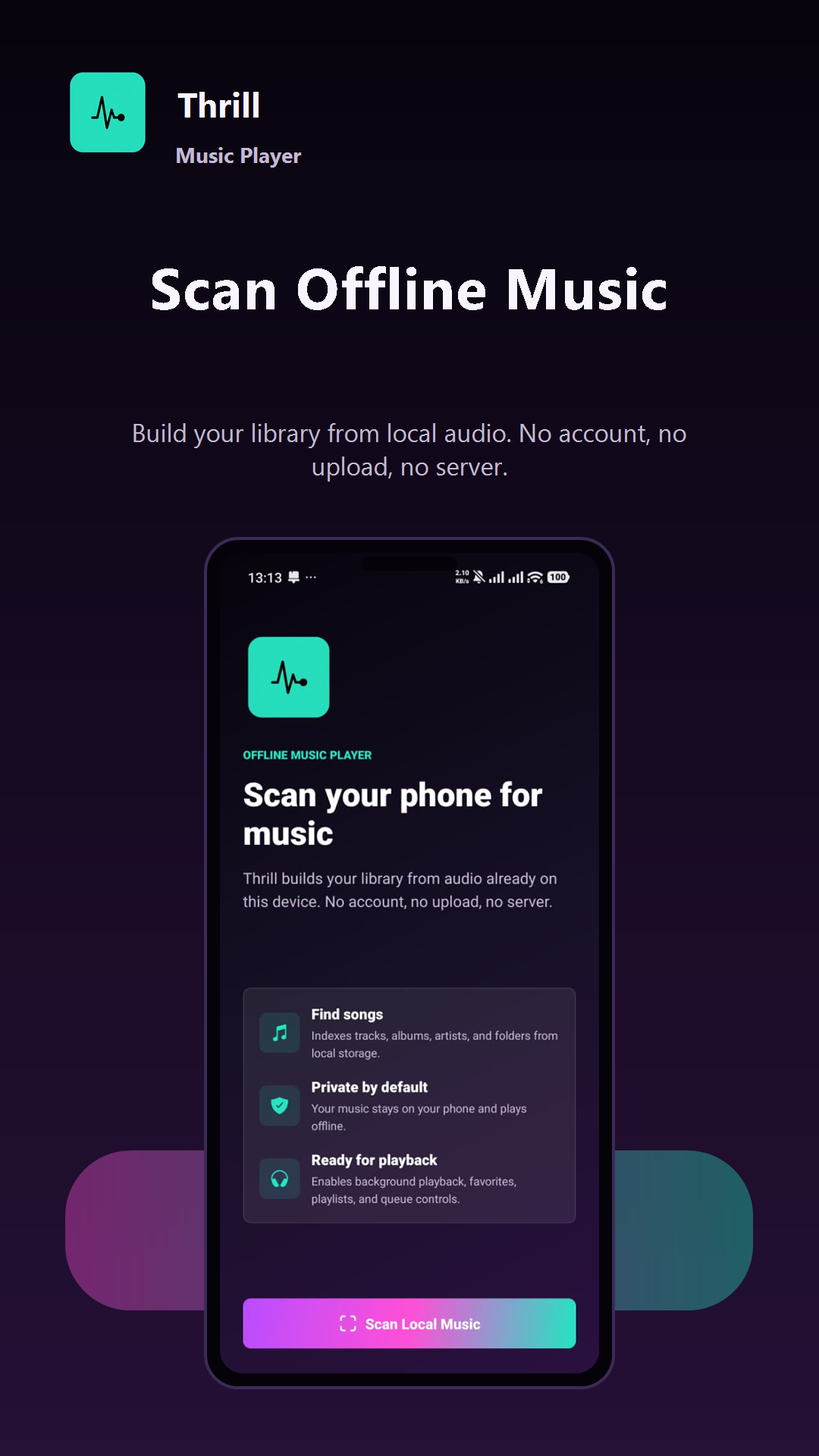
Build your library from songs already stored on your phone.
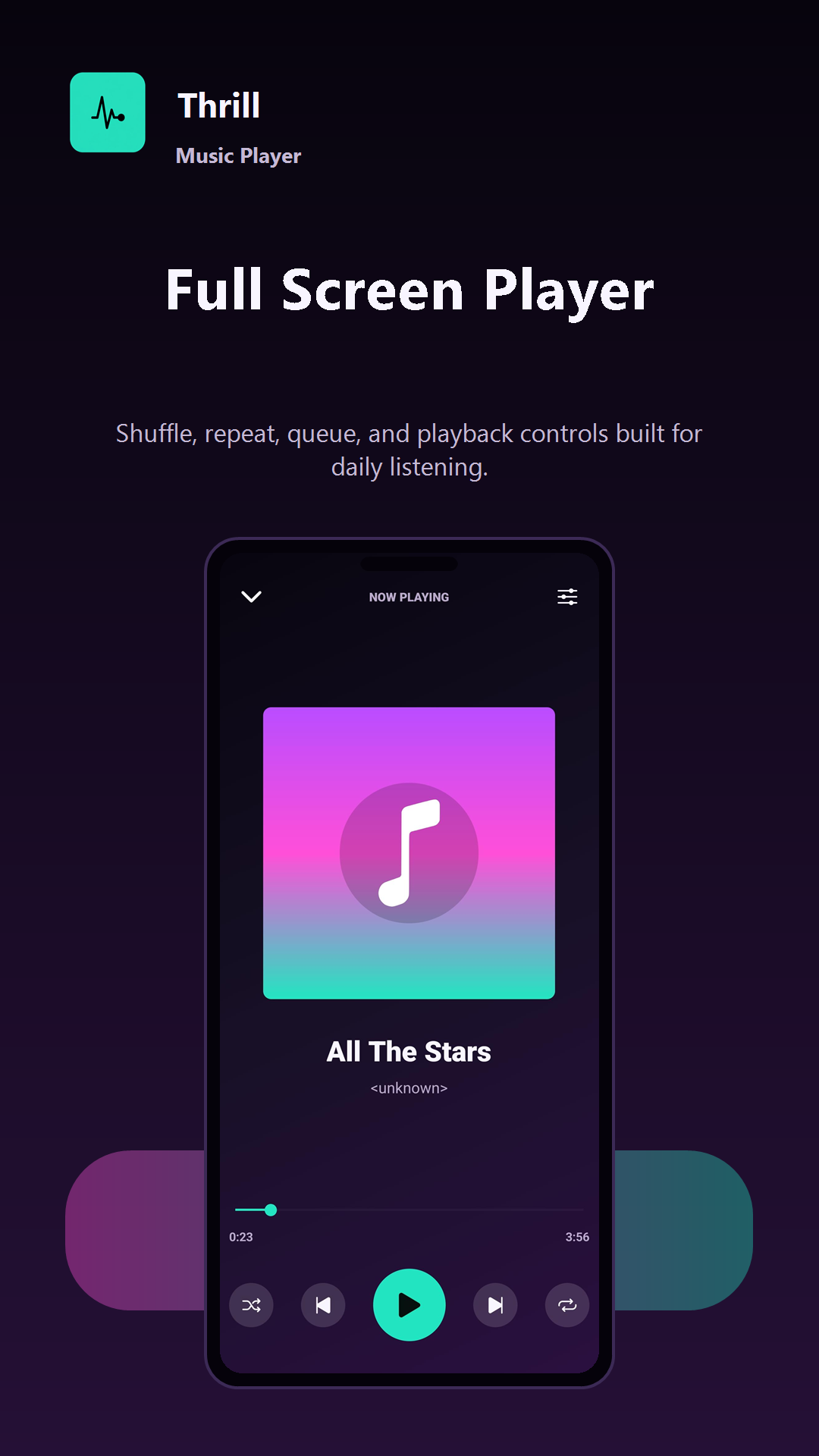
Play, pause, shuffle, repeat, and manage the queue from one focused screen.
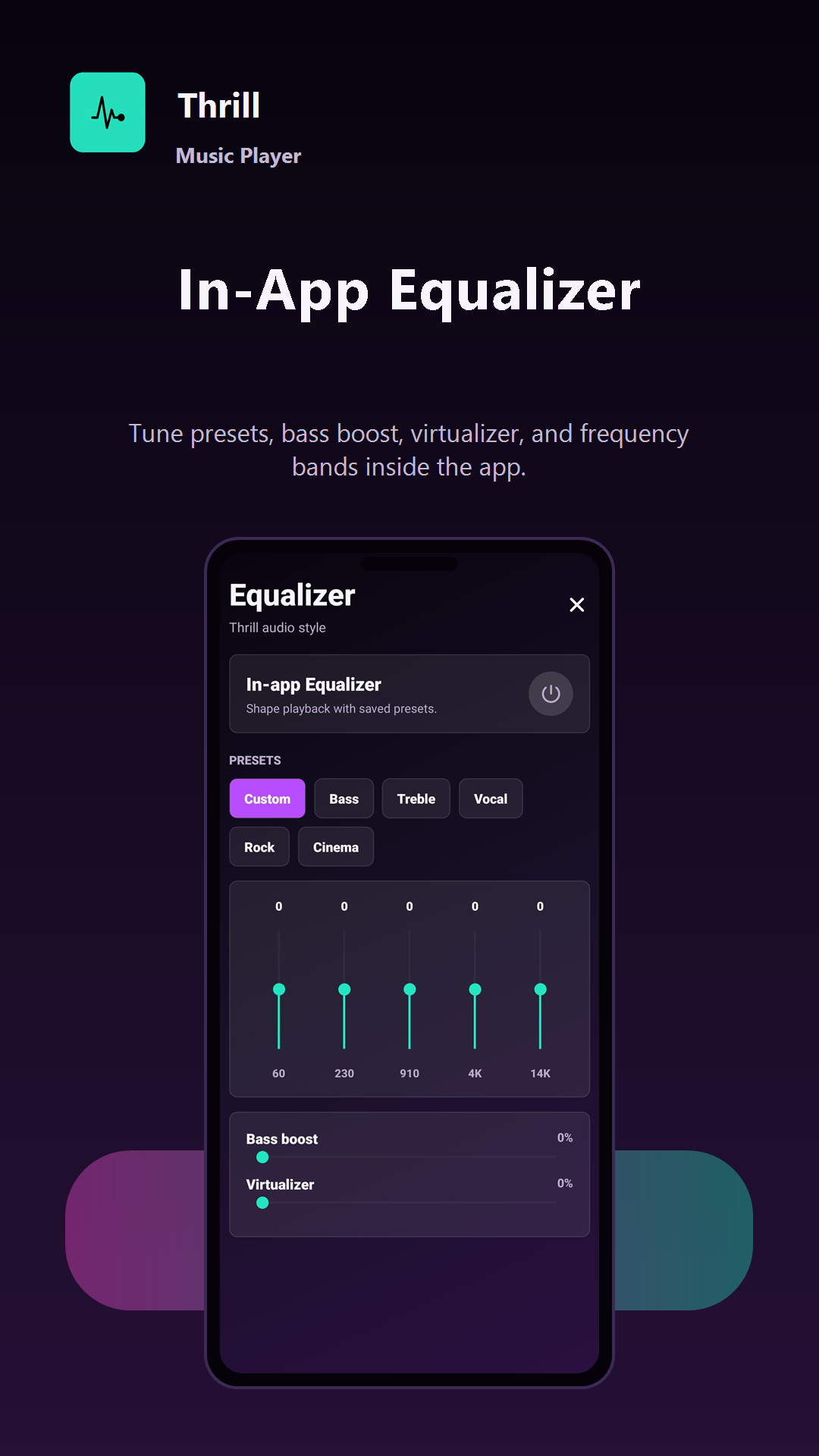
Use presets, bass boost, virtualizer, and 5-band equalizer controls.
Everyday listening
Open Thrill, scan local audio, and turn your offline files into a browsable library with songs, artists, albums, folders, and favorites.
The player keeps album art, progress, shuffle, repeat, next, previous, and queue access close, so daily listening feels quick and familiar.
Switch presets, adjust frequency bands, add bass boost, or use virtualizer settings without leaving the app.
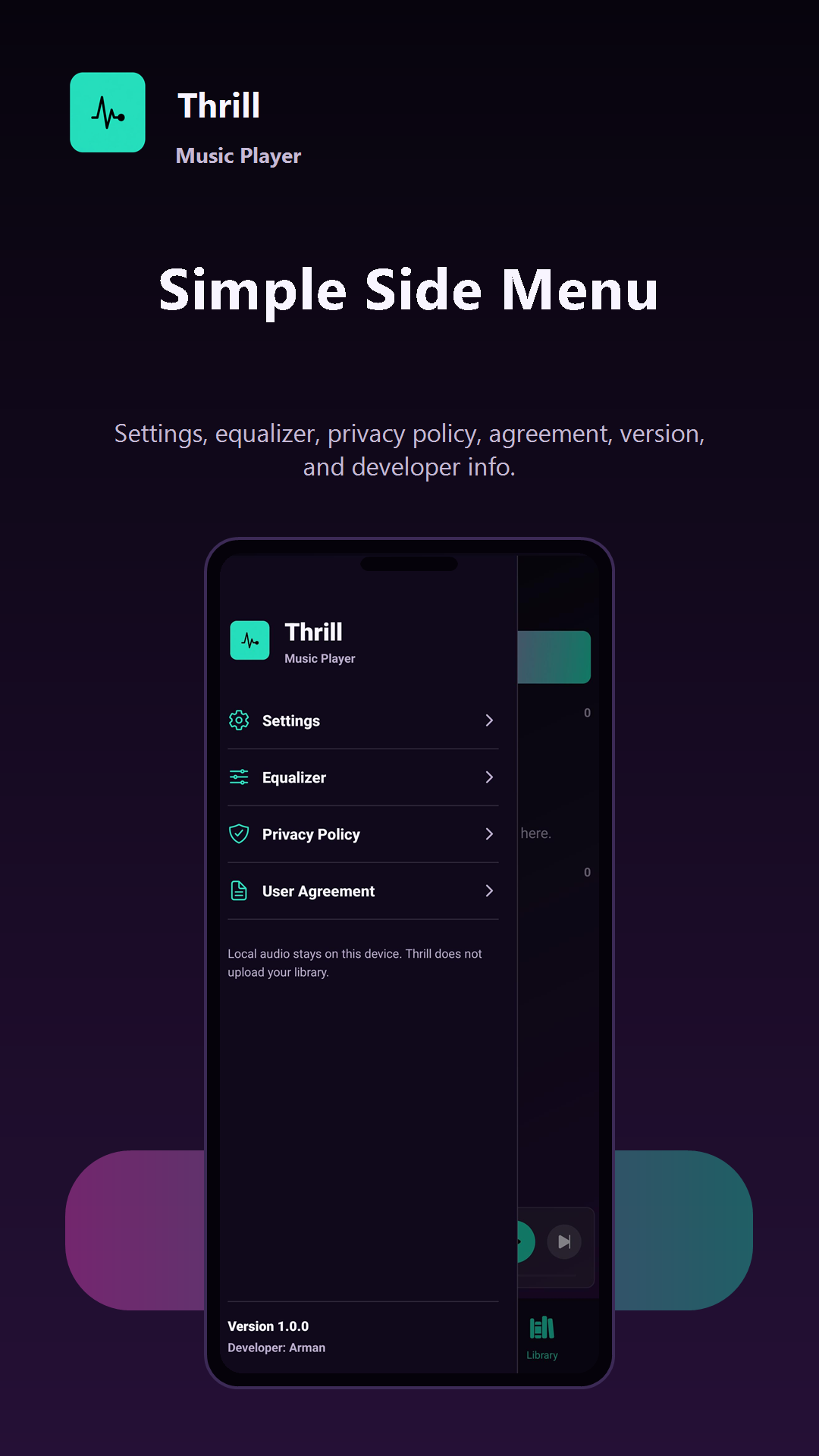
The menu keeps library sections, folders, playlists, favorites, equalizer, and settings in reach for repeat use.
Download
Install Thrill Music Player from Google Play and start listening to the music already on your Android device.
Contact
Send a support question, privacy request, Play Store issue, or publishing inquiry directly to the developer.
darkdevil7325@gmail.com